|
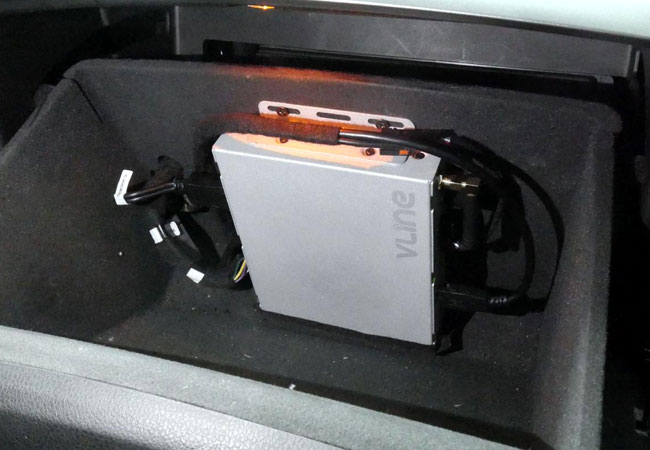
Where to mount GROM VLite VT2 or VLine VL2 main module
Mount the main "brain" unit in an accessible location such as the glove compartment. It will preserve the unit's Bluetooth antenna and its reception while making the unit accessible for future upgrades and service. Read more here >>
CarPlay phone calls are distorted and sound bad - what to do?
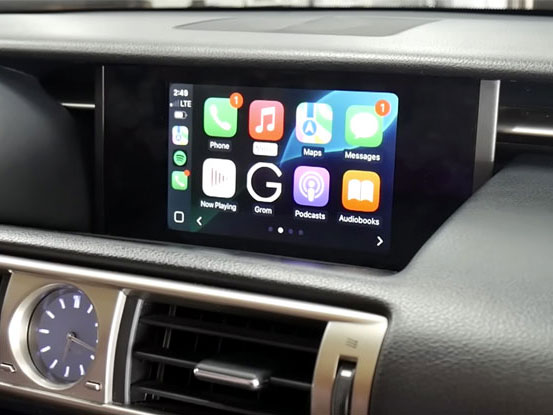
For iOS 16.4 and later, if the CarPlay phone calls sound poor, disable the new call feature, Voice Isolation. Here is how >>
CarPlay spoken directions volume is too low. How to adjust it?
If the CarPlay spoken directions volume is too low, go to SETTINGS -> MUSIC -> SOUND CHECK on your iPhone and turn the Sound Check "Off." Here is how to >>
VLine VL2 / VLite VT2 misbehaves - here are the very first troubleshooting steps to take
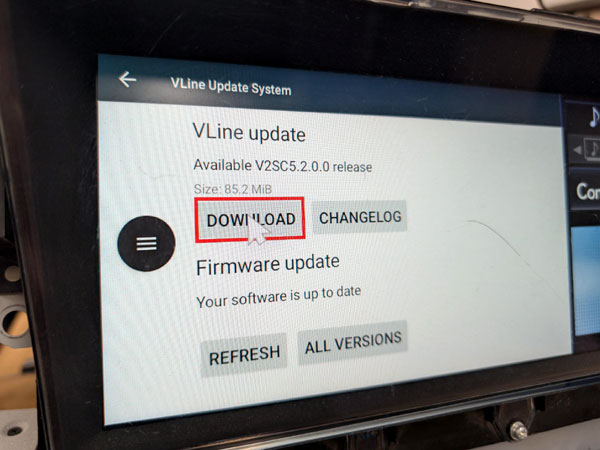
If you experience trouble connecting CarPlay or Android Auto, or encounter any other issues using the GROM VLine VL2/VLite VT2 system, follow these two troubleshooting steps before contacting our technical team: reboot the system and update the firmware and software. Here is how >>
How to adjust display brightness/contrast for VLine VL2 / VLite VT2
The CarPlay, Android Auto, and VLine user interface may appear slightly washed out after installation on some lower-resolution stereos. It mainly applies to "older" Lexus, Toyota, Nissan, and Infiniti stereos.
Adjust the display brightness and contrast to your liking and best performance while in CarPlay or Android Auto mode. See the how-to video.
|