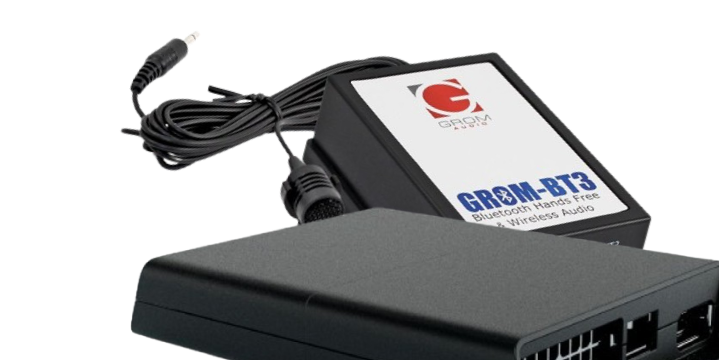
How to install GROM VLine VL2 into Acura RDX 2010-2012 with navigation for wireless CarPlay Android Auto | HON1R
This video shows you how to install and connect VLine infotainment system
into an Acura RDX 2010-2012 with factory navigation (HON1R). The original footage has been provided by our customer.
Once VLine is connected to your car stereo, you get the following functionality:
Smartphone Integration:
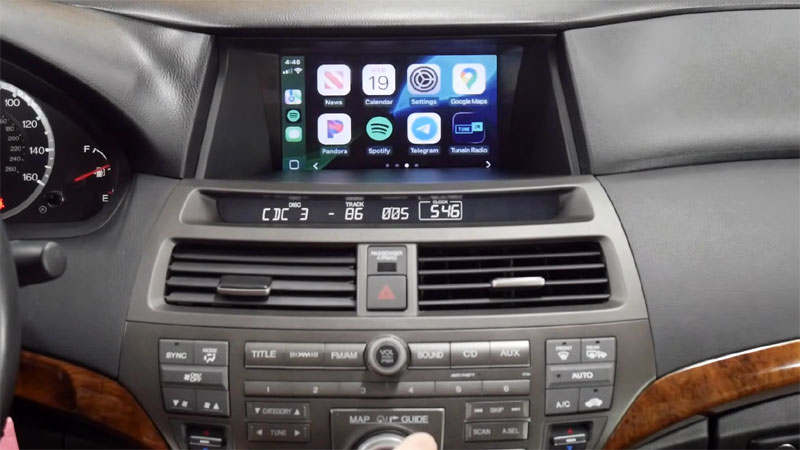
- Wireless CarPlay
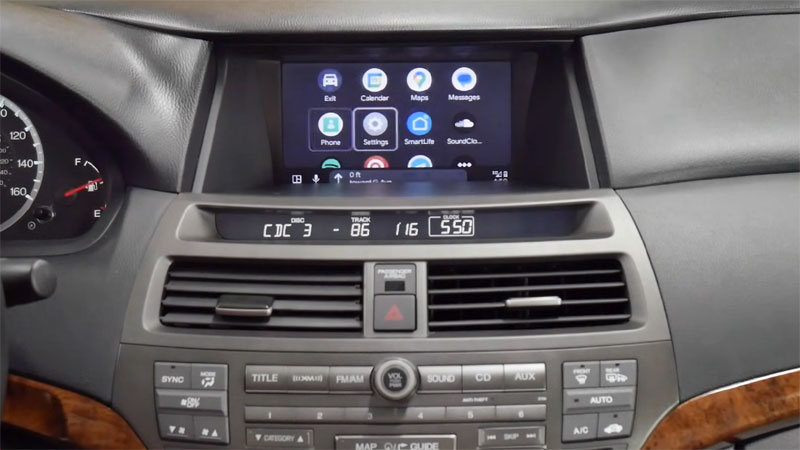
- Wireless Android Auto
Music apps:
- Spotify
- Web Radio
- YouTube music
- Music stored on USB mass-storage devices
To play the music from the internet directly into your car stereo system, see cover art and text, browse by genres, playlists, favorites, and more.
Maps:
- Have Google Maps or Waze displayed directly on your car stereo screen;
- the ability to get navigation and real-time traffic updates directly on your car stereo screen;
-use voice command to start navigation
Voice Commands:
- use your voice to start navigation;
- use your voice to find the music that you would like to listen to;
- Siri and Google Assistant.
Bluetooth music streaming:
- pair your phone via Bluetooth to stream the music; see cover art and music titles
Access to other Google play apps
Access to Google Play for other Android apps - directly on your car stereo!
VLine is fully integrated into your car stereo. You can use the car stereo and steering wheel controls to operate VLine.
In addition, VLine does not disable any factory features, such as FM or Climate controls and factory backup cameras.
For more info on this specific system, click here: Wireless CarPlay and Android Auto
System for an Acura RDX 2010-2012 with factory navigation HON1RVL2
In addition to Acura RDX 2010-2012 with factory navigation, the same system is compatible with the following Honda vehicles:
Honda Accord 2008 2009 2010 2011 2012 ( Nav stereo only )
Honda Pilot 2009 2010 2011 ( Nav stereo only )
The system works for the above-mentioned vehicles and fully integrates with the factory knob control. You can also keymap some car stereo buttons for the specific
functions of the CarPlay and Android Auto.
More info is available at http://gromaudio.com/store/vline