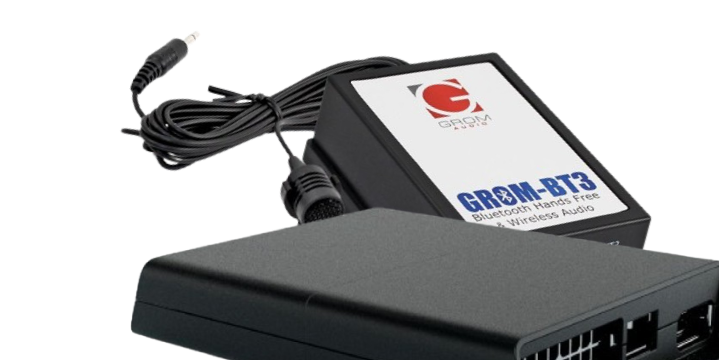
How to reset wireless CarPlay on VLine VL2 and fix iPhone connection to your stereo.
With
VLine VL2 CarPlay Android Auto system you can use CarPlay and Android Auto wireless. If you ever get troubles connecting to CarPlay via Bluetooth, such as
CarPlay being stuck in Waiting CarPlay UI mode, watch the video below that explain how to reset and fix the connection.
Watch how to reset wireless CarPlay and fix your iPhone connection with GROM VLine VL2 system:
What VLine VL2 system is?
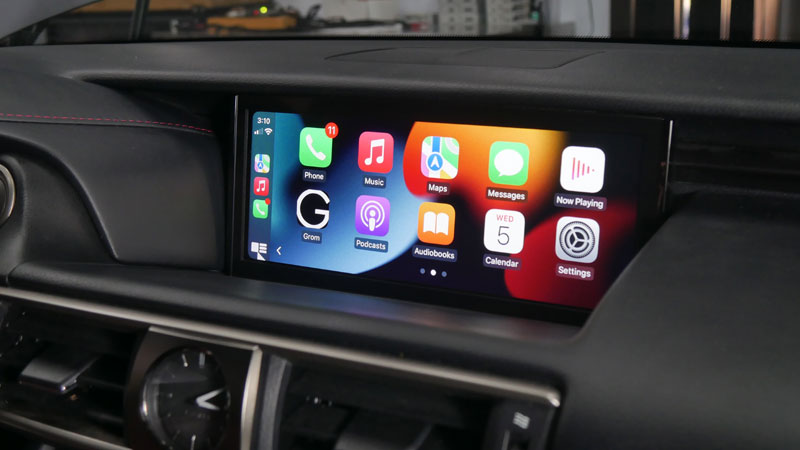
VLine VL2 is the connected car infotainment system for many factory stereos.
Fully integrated into OEM car stereo, VLine VL2 provides access to the latest automotive technology:
Maps (Google, Waze, others), Music Apps (Spotify, Web Radio, and etc.),
CarPlay and Android Auto integration, right through the factory stereo system.
When VLine VL2 system is connected to the car stereo, you keep and preserve all original car stereo functionality, including factory FM radio,
backup and aother cameras, and so on. The VLine VL2 system integrates with existing car stereo display, stereo controls and buttons.
Read more about VLine VL2 CarPlay Android Auto System