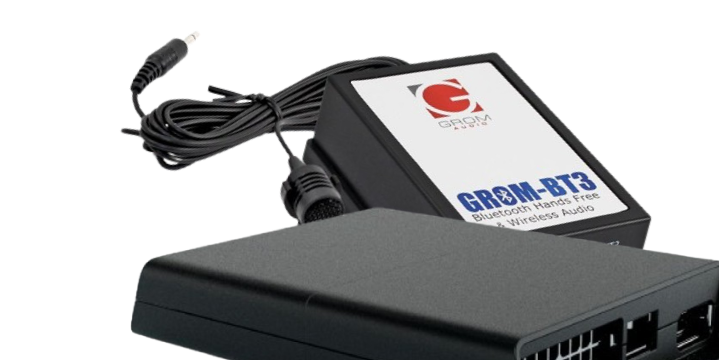
VLine VL2 VLite VT2 Tech Tip - how to adjust microphone gain for CarPlay Android Auto.
If the phone calls in your vehicle sound too distant or
there is an echo, when using CarPlay or Android Auto with
VLine VL2 CarPlay Android Auto system ensure you adjust the microphone gain in the settings. Watch how:
We recommend setting the microphone gain to 45 if you are using the factory microphone, and to 65 if you are using the aftermarket microphone( such as the one that came with your VLine VL2 / VLite VT2 system). You can test the microphone when you adjust the gain by making a phone call and getting a feedback. Setting the microphone gain too high or too low will affect the call quality.
What is VLine?
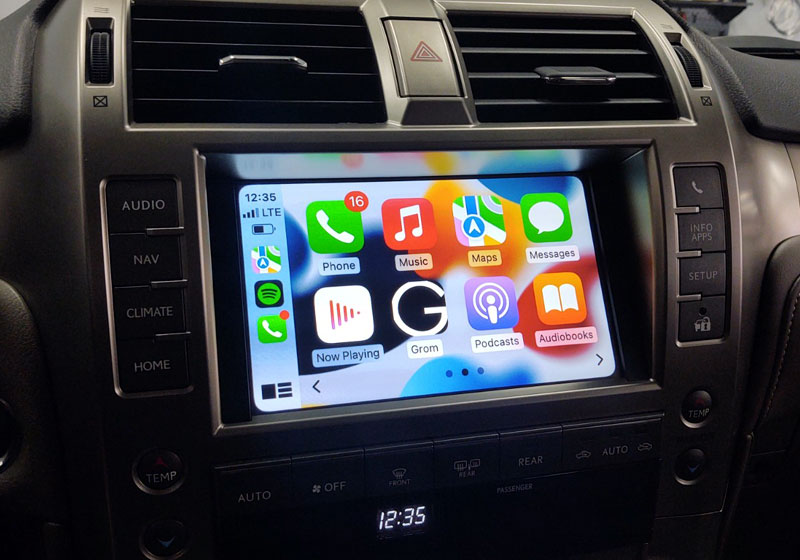
VLine is a connected car infotainment system for many factory stereos. VLine fully integrates into your OEM car stereo, providing access to the latest automotive technology:
Maps (Google, Waze, and others), Music Apps (Spotify, Web Radio, Google Music, etc.), Wireless CarPlay and Android Auto integration, right through the factory stereo system.
Read more about VLine VL2 Wireless CarPlay Android Auto System